For builders who hand over homes.
Year three. A leak. Can you find what you handed over?
The handover app built by three Geelong builders. Your client gets an Education Hub and Maintenance Reminders. You keep a signed, dated handover record.
Pick a time just below. 30 minutes on Zoom with one of the founders. Pay once if you go ahead, no annual fees.
"If you're not doing it this way, you're just asking for trouble. It's a no-brainer."Steve Clark, Clark Homes. 35 years building.
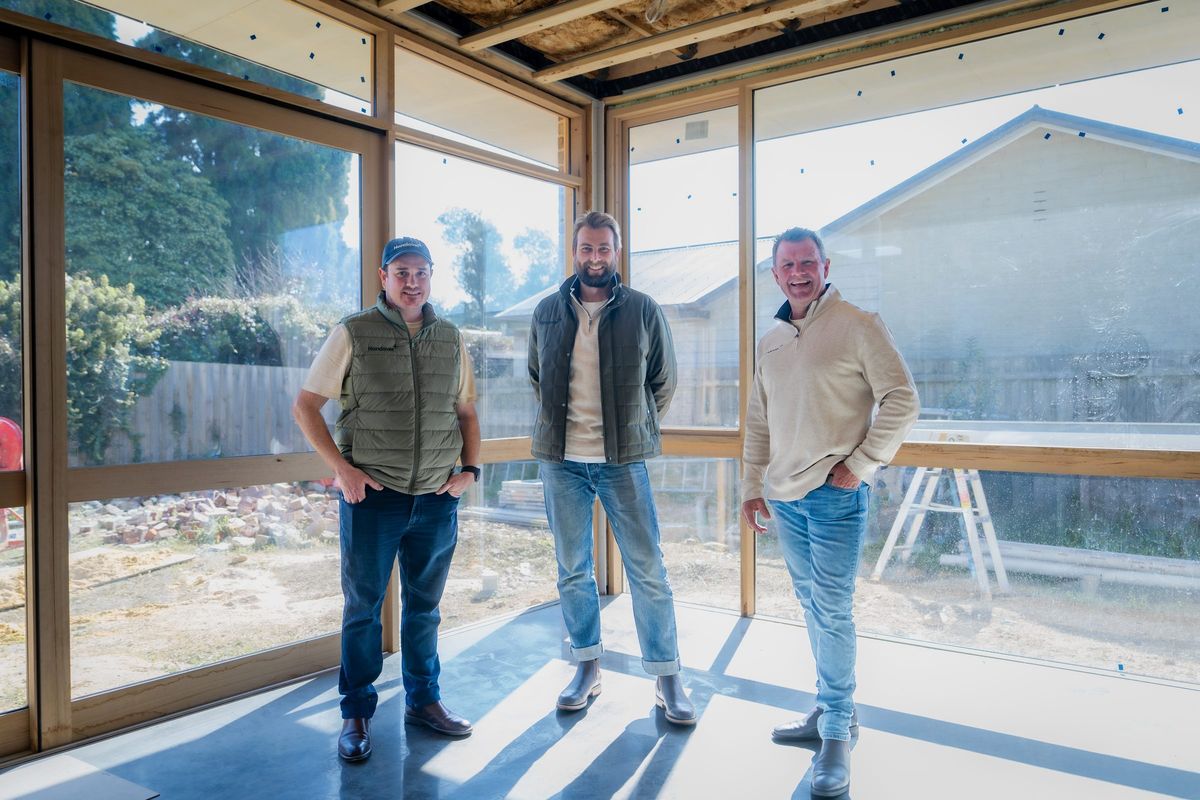
 Leigh, Ged and Jason. Three Geelong builders who built it for their own jobs first.
How it works, in a couple of minutes.
- Handover
- Year 3
- Year 8
Pick a time. 30 minutes with one of the founders.
Choose a day and time that suits. We'll ask for your name, mobile and email. One of the founders runs it on Zoom.
Three years after handover, your client calls.
"I think I have a leak?"
- What did you tell them at handover?
- Did they do their maintenance?
- Where are the documents?
If the answer is three folders, two email accounts and a USB that's probably still in the ute, you're spending the afternoon looking.
The manila folder
- Lives in three places, none of them searchable
- Your client has no copy, so they ring you
- Nobody reminds them to clean the gutters
- Nothing has a date against it
Handover+
- One place, tied to the property
- Your client has their own access, so they stop ringing you
- Maintenance Reminders go to them, not you
- Signed at handover, then locked, with every item dated
How it runs on a job.
It sits alongside whatever you already run the job on.
-
During the build
The file fills as the job runs
Plans, permits, warranties, manuals, finishes. Uploaded as you go and tied to the address.
-
A week out
Invite your client
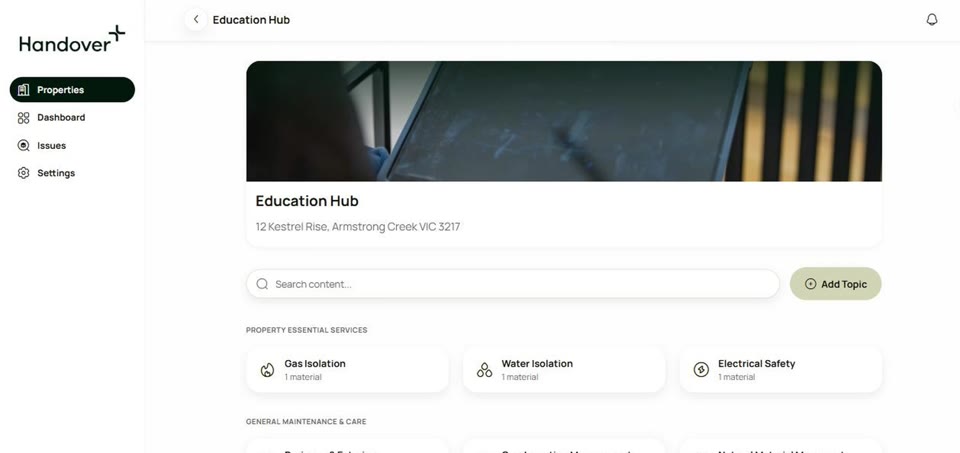
They read the Education Hub before the day: how to look after the house.
-
Handover day
They sign for it, then it locks
Your client works through each item and signs. After that the record can't be altered or deleted.
-
After handover
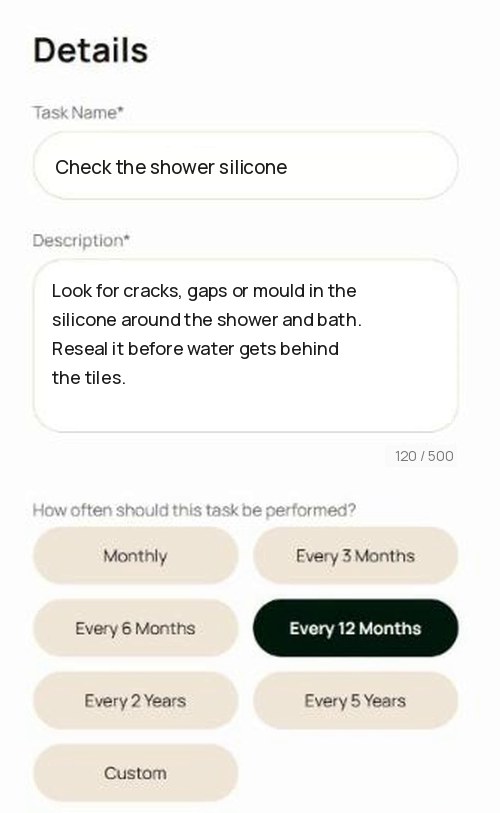
Maintenance Reminders go to them, not you
Gutters, sumps, drains, silicone. The prompts land with your client on schedule.
-
Year eight
It's still there, exactly as it was
When someone asks what you handed over, you can show them.
Built by builders. For builders.
Three Geelong builders kept running into the same problems, so they built Handover+ for their own jobs first. You're buying from three blokes who get the same phone calls you do.
- Leigh MaxwellMaxwell Constructions
- Ged FitzgeraldNorth Building
- Jason OrrJohn Orr & Son
"What we'll save is just a lot of wasted time for both the client and builder. They call you up and you say, 'Look, I told you that at handover, that had to be done.' And it just hasn't registered and hasn't been done."Steve Clark, Clark Homes. 35 years building.
Pay once. No annual fees.
A project is $749, and less on the bigger packs. A one-off payment per pack. Free for your client.
Entry
1 project
$749
$749 a job
Growth
5 projects
$3,599
$720 a job
Volume
10 projects
$5,999
$600 a job
Scale
20 projects
$10,999
$550 a job
Portfolio
50 projects
$24,999
$500 a job
Prime
100 projects
$44,999
$450 a job
Not sure which pack? The founders will tell you on the demo. Or see full pricing and buy.
Questions builders ask.
Is it a subscription?
No. You pay once for the number of projects you need. There are no annual fees, and the projects you buy don't expire.
We already have job software. Why add this?
Those are for quoting and running the job. Handover+ covers handover and everything after it, and sits alongside what you already run.
What does my client get?
Their own access to the home's handover record, free. The Education Hub shows them how to look after the house. Maintenance Reminders tell them when. That's why they stop ringing you.
Does it protect me?
It gives you a clear record of what was provided, what your client reviewed and what they acknowledged, plus a dated log of anything raised after handover. It doesn't replace your building contract, your statutory obligations, warranties or professional advice.
What happens on the demo?
You pick a time and leave your name, mobile and email. One of the founders runs it on Zoom for 30 minutes: how it works on one of your jobs, your questions, and which pack fits. Then you decide.
See how it runs before you decide.
30 minutes with one of the three builders who made it.
P.S. Next time a client rings in year three about water through the ceiling, you can open the handover record, show them what they signed for and the reminders they were sent, and get back to the job.
Or just call one of us.